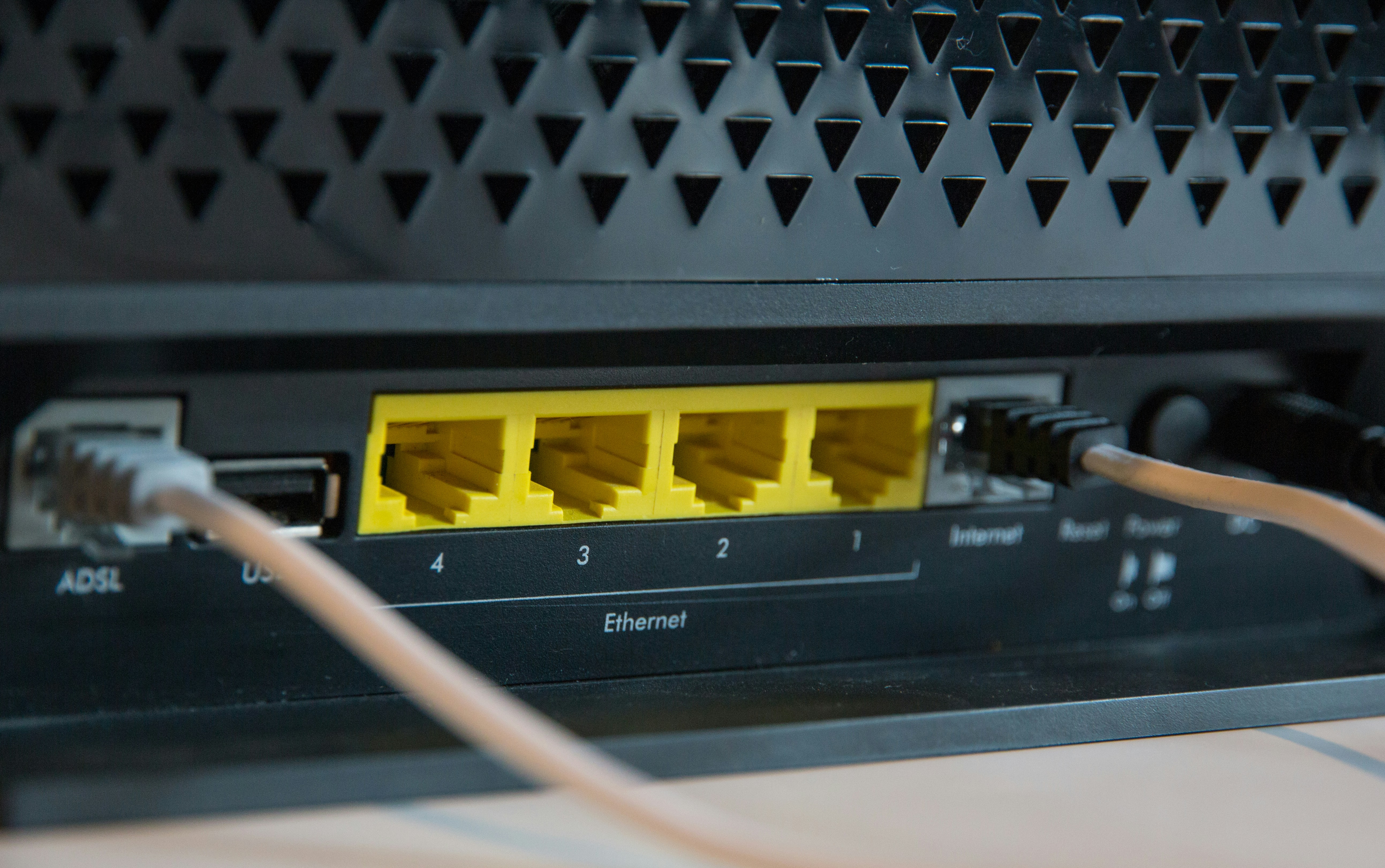
Synology routers are "nice": They have a usable web interface, support some rather interesting add-on packages, and the code running them is fairly readable and hackable.
Recently I reworked my home lab, and because it is distributed over two separate locations, wanted to set up a site-to-site VPN between these locations. I chose WireGuard, because that is also readily available on mobile phones, and seems to generally offer good performance and the configuration is not too complex (… famous last words.)
Unfortunately Synology doesn't provide WireGuard as VPN option on their routers. They do have IPSec, PPTP, and OpenVPN, but I really didn't want to go there and possibly have to fight with two different VPN technologies.
I ended up using a small Raspberry Pi as a VPN gateway on the second location, but that produced the second problem: How do I tell the other clients that not the router, but that VPN gateway is handling VPN traffic? The straight-forward solution is "have DHCP announce that!", and indeed that is possible with the DHCP option 121 . For the second time though, "unfortunately SRM doesn't support that."
The initial research in the internet said that this isn't possible, but I didn't want to give up, and found this approach by looking at the running processes on the router:
dnsmasq does support sending out DHCP options using the dhcp-option configuration, so essentially by adding that to the /etc/dhcpd/dhcpd.conf file everything should be fine. The catch? Any time you modify a DHCP-related setting in the UI, SRM would overwrite that configuration file.
By looking a bit around though I found that this file is simply generated from the other .conf files in /etc/dhcpd by a function in /etc/rc.network. Essentially that function is called whenever the DHCP server is restarted, and it looks for all conf files (with the name dhcpd-INTERFACE-TAG.conf), and if it finds a file dhcpd-INTERFACE-TAG.info with the text enable="yes" in it will include that configuration file contents in the resulting dhcpd.conf.
INTERFACE is the name used in the script, it looks like lbr0 is the name of the "local" bridge, and gbr0 might stand for "guest bridge". There are also files with the interface portion being "static", so this might be more of a organization pattern than an actual requirement to be an "interface."
Similarly the TAG portion seems to be quite flexible as well.
With that knowledge adding the static route then is simple:
Create
/etc/dhcpd/dhcpd-lbr0-custom.confand add the custom dhcp-option definition:
2. Create /etc/dhcpd/dhcpd-lbr0-custom.info
3. Restart the DHCP server:
Bonus Tip: Tell clients about the running NTP service
The DHCP option 42 (ntp-server) can be used to announce that your router is providing NTP services:
You might want to also set that one for the guest network, depending on your setup.